
Your whole team, in step
Each job goes to one Supporter, so nobody applies twice. A job they can’t do comes back to you with the reason.
Offer Oven runs your agency’s job hunt in one place. Hand jobs to your team, watch every application go out, and approve each one from its screenshots.
An Admin approves every new account before you start.

Every agency starts that way. It breaks the week you have more job seekers than people to keep track of them.
Every step happens in one place, so nothing gets lost between people. Here is one job, from the moment you send it to the moment you approve it.
Collect postings with the Oven Mitt Chrome extension. It goes to one Supporter, by you or by Auto-assign.
They apply on the employer’s site, with the job seeker’s profile, resumes and answers beside them.
Verification codes from the job seeker’s inbox show up for that Supporter within a minute.
The application comes back with 1 to 5 screenshots. Approve it, or a whole page at once.
Less chasing, fewer missed codes, and an answer ready when a job seeker asks what you sent this week.
Each job goes to one Supporter, so nobody applies twice. A job they can’t do comes back to you with the reason.

Every application carries the screenshots that prove it went out. Show your job seekers exactly what was sent for them.

Connect each job seeker’s inbox once. Codes and verify links reach the right Supporter while the form is still open.
Every job for every job seeker, who has it and how far it got. Built for the days you send hundreds.
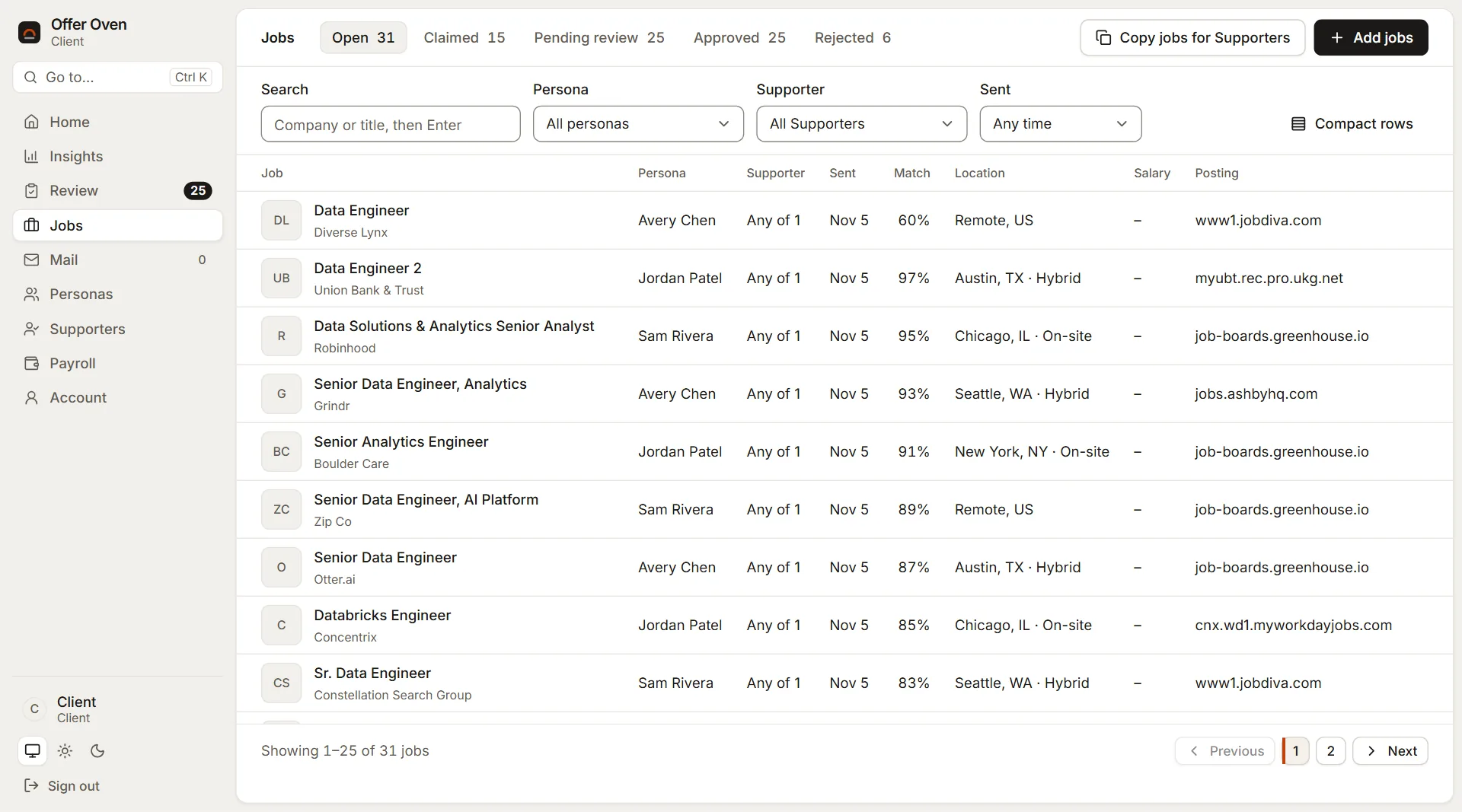
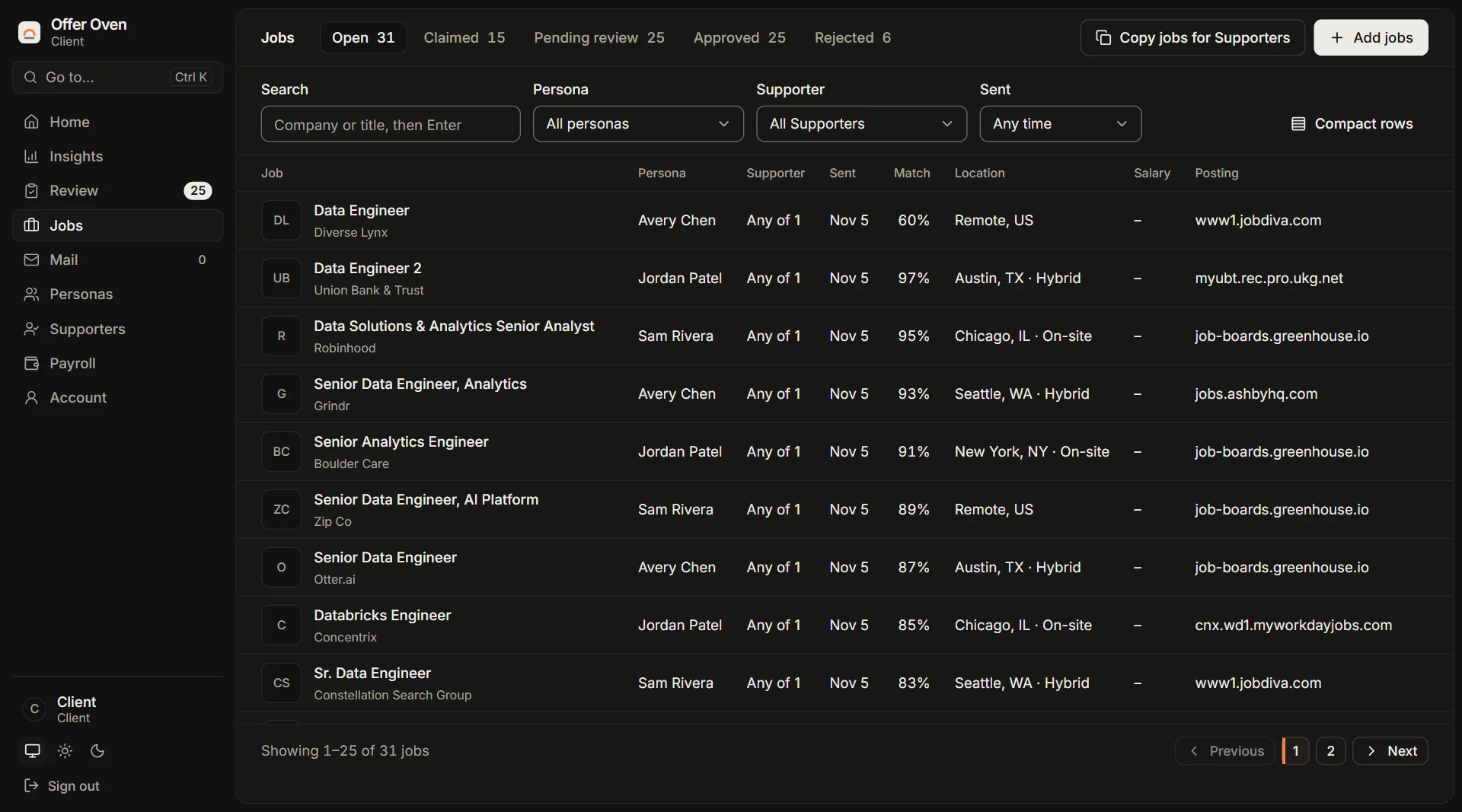
Tick a page of applications and approve them together. Changed your mind? Undo it right after.
Verification codes and links reach the Supporters you choose, and employer replies attach to the application they answer.
Assign jobs a page at a time, or let Auto-assign give each one to whoever has the fewest open. Companies you block for a persona are never sent.
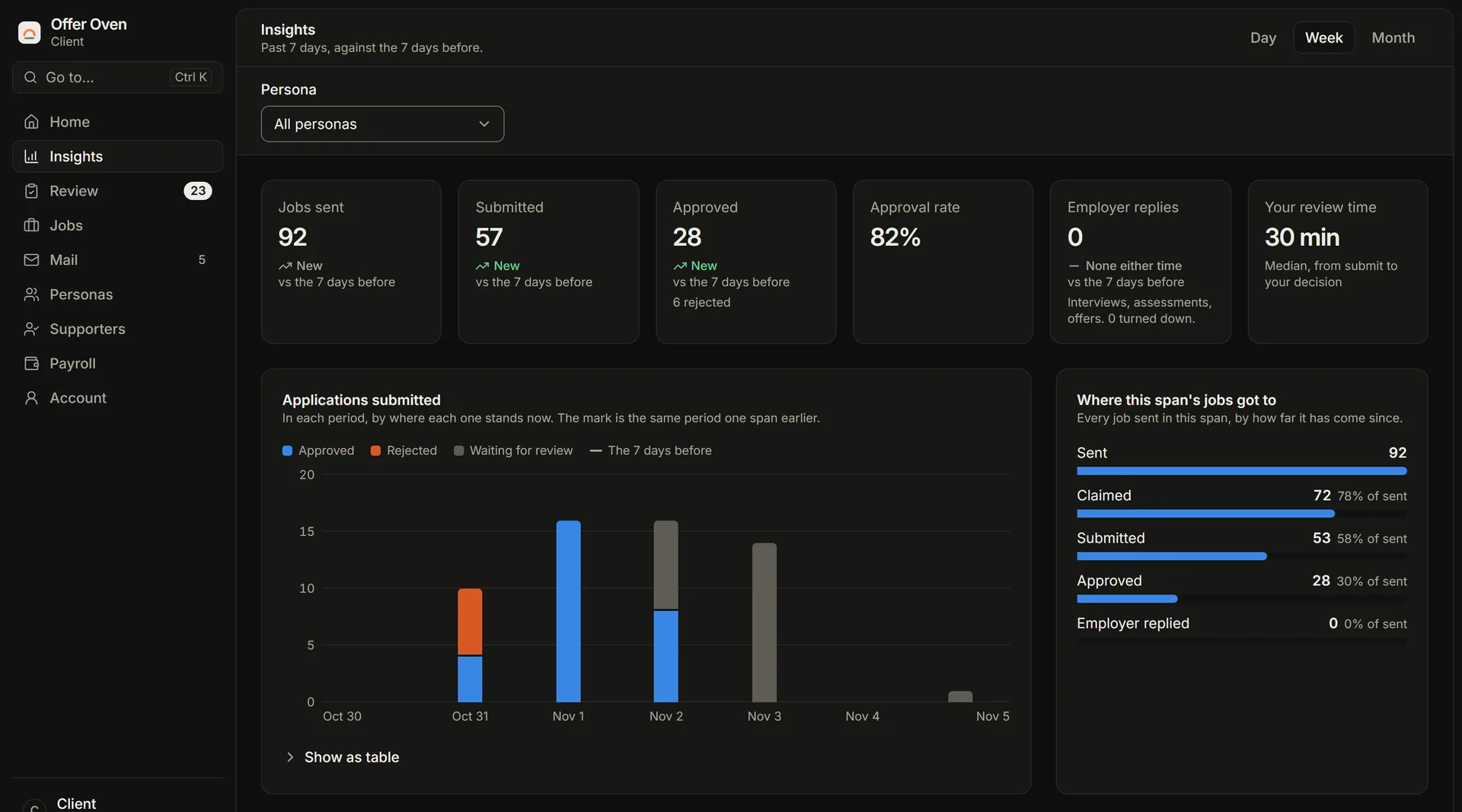
Jobs sent, applications submitted, approvals and employer replies, by day, week or month, each against the span before.
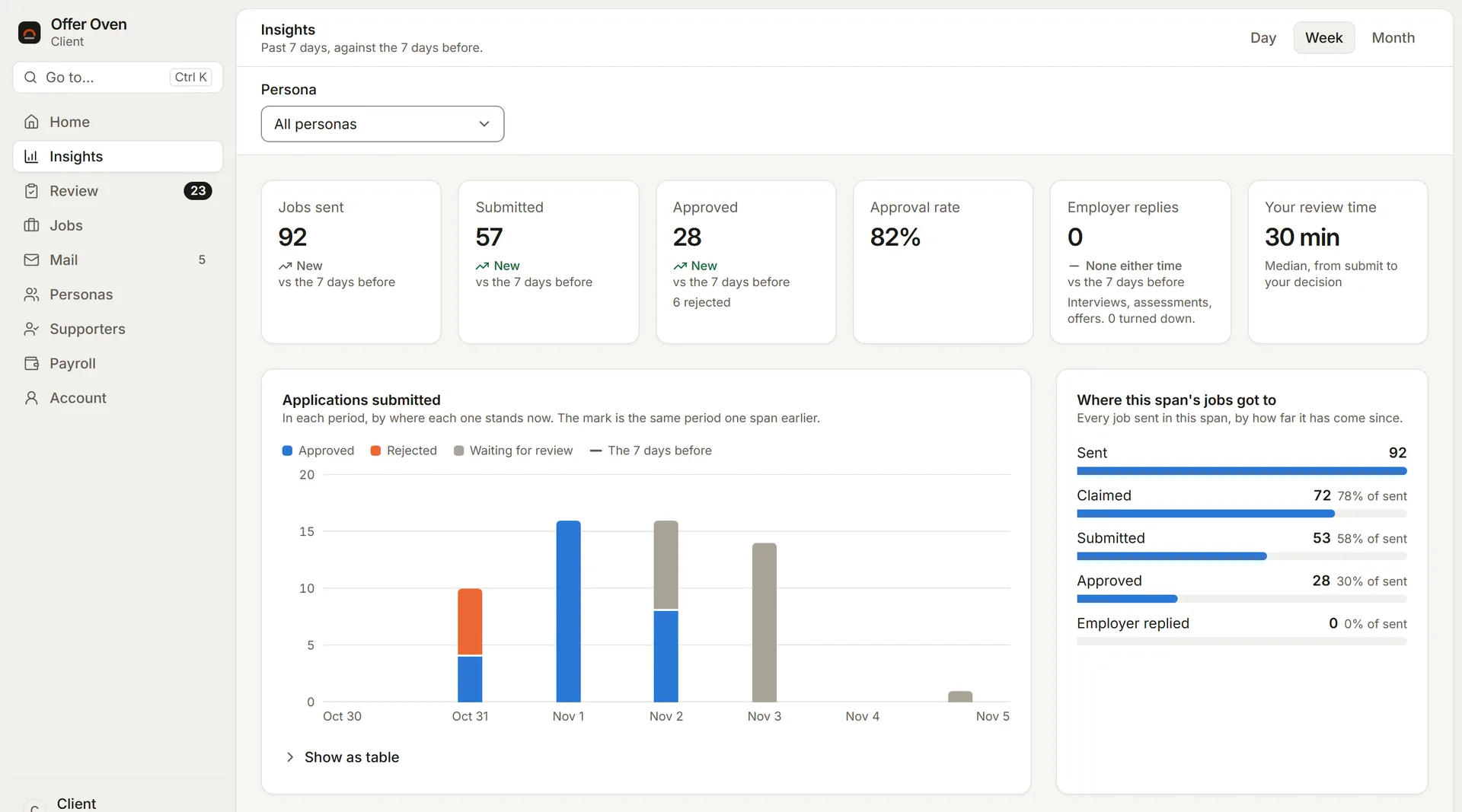
Job seekers trust you with their details. Offer Oven keeps them between you and the people you choose.
Job-search agencies sign up as Clients. An Admin checks and approves every new account before it can be used.
You invite them with a link from your Supporters page. They create their account from it, and an Admin approves them too.
No. Each job seeker is a persona you keep: their details, resumes and screening answers. They never sign in.
No. Your Supporters apply on each employer’s site. Offer Oven gathers the jobs, puts them in front of your Supporters, brings the codes to them and keeps the proof.
Only the job seekers you assign them, and only the kinds of mail you allow. Never your other job seekers.

Create a Client account. Once an Admin approves it, add your job seekers and invite your team.